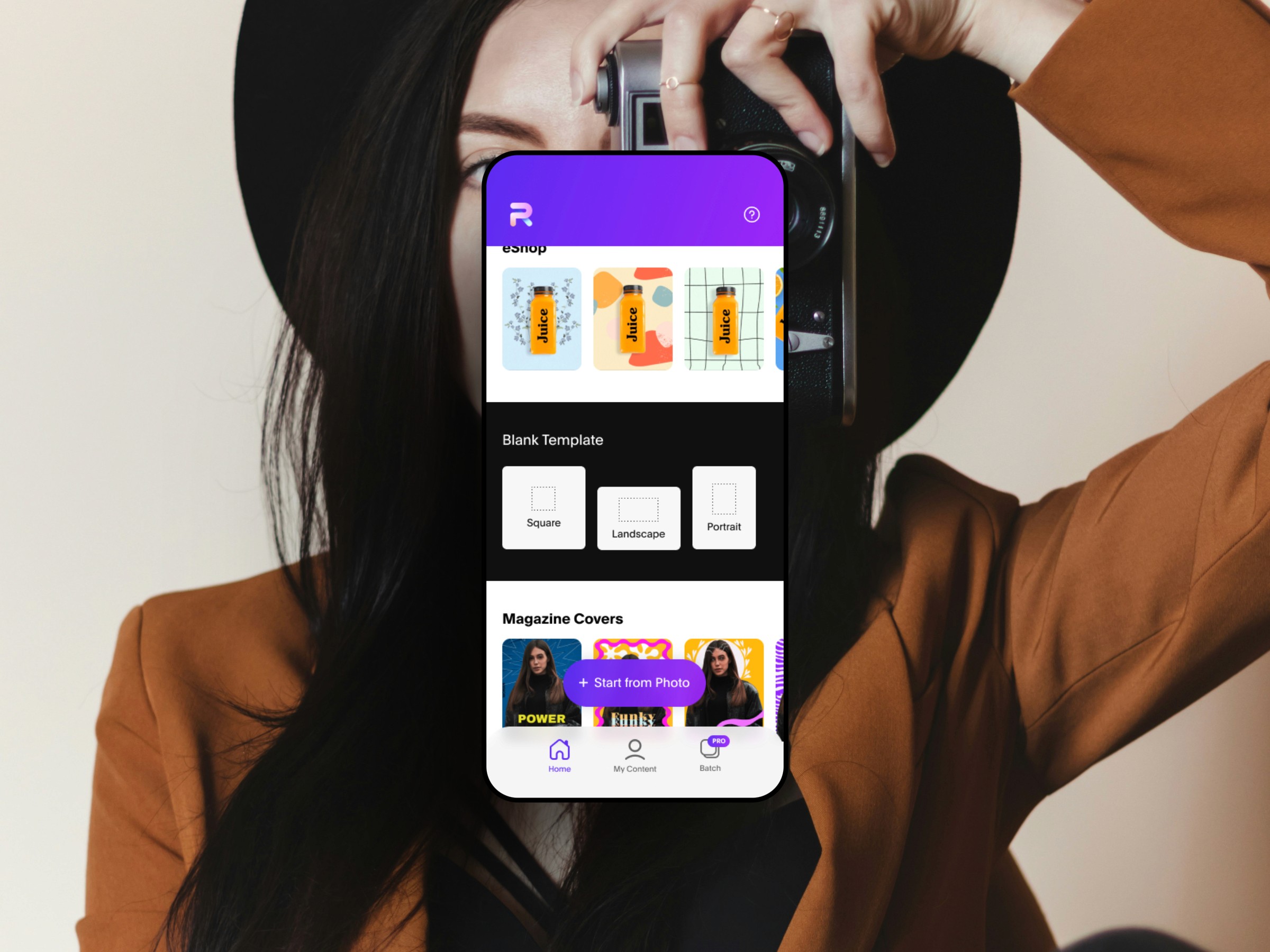
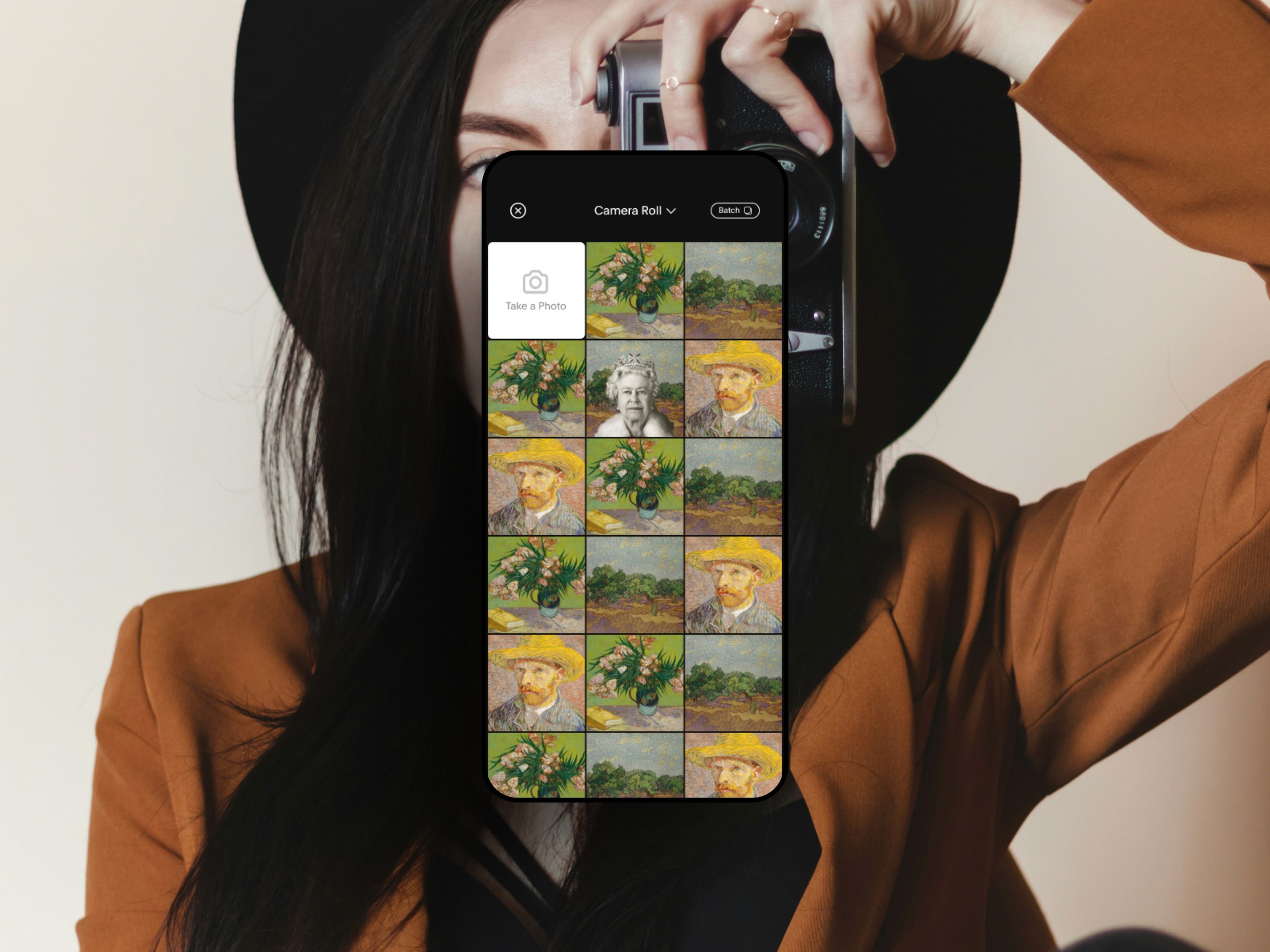
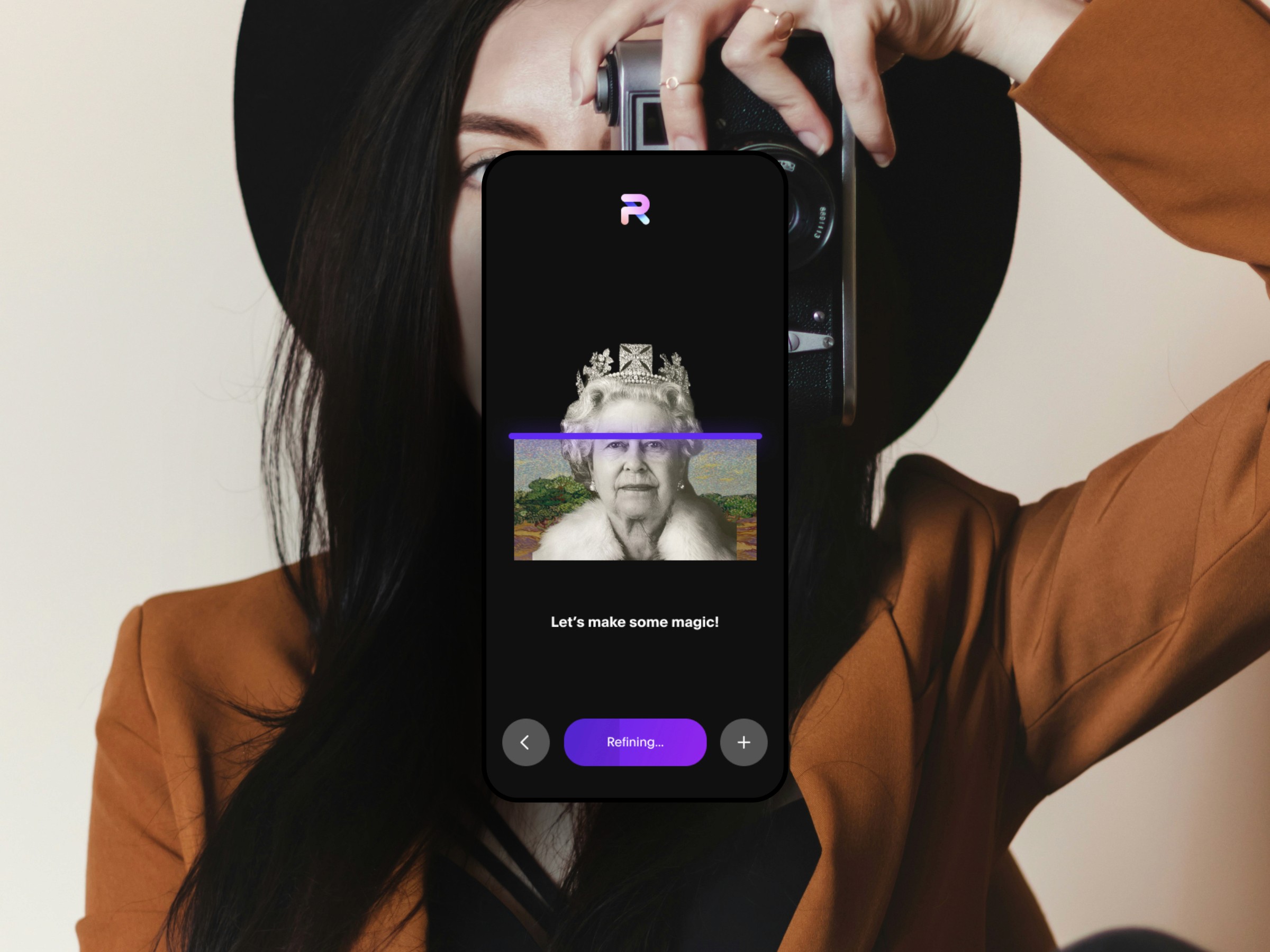
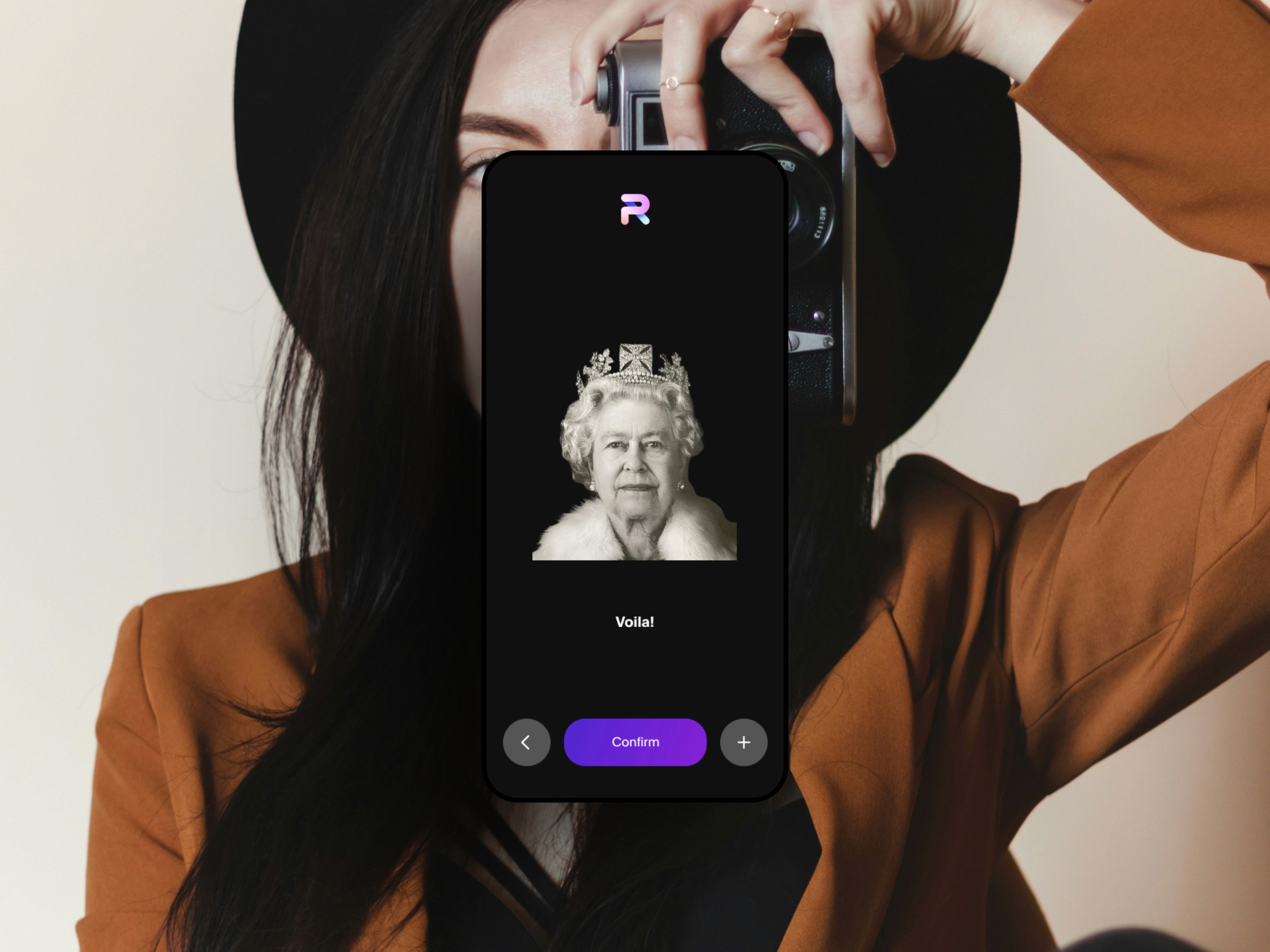
Photoroom's AI Photo Editing
Photoroom is one of the most popular AI photo editing apps in the world. Millions of creators use it to generate product images, remove backgrounds, and create studio quality visuals instantly. My work focused on improving the editing workflow, simplifying key interactions, and elevating the experience so creators could work faster and produce results that feel professional, polished, and market ready. The goal was to reduce friction in the editing flow while helping users discover the full power of the app. Photoroom has strong AI features, and we needed to make the experience intuitive and engaging for both new and advanced creators. — Customer Problem Creators want fast, clean results without spending time learning a complex workflow. Most of them need images for storefronts, social content, or ads, and they need them quickly. They expect tools that feel simple, modern, and powerful. — Business Problem Photoroom’s growth depends on strong editing outcomes. The more polished the results, the higher the conversions for paid plans. We needed an interface that helped users work efficiently and explore premium features in a natural and seamless way. — Goal Create a cleaner, more intuitive editing experience that helps users make better images with less effort. Improve discoverability of key AI tools. Increase output quality and help creators move from import to export without losing momentum. — Understand Research and Insights I analyzed existing editing flows and observed where users dropped off or got confused. The biggest issues were: • Too many steps to get to a strong result • Unclear hierarchy between simple edits and advanced tools • Features felt hidden or disconnected from the main workflow • Users struggled to understand what actions improved their final image We needed a flow that felt quick, guided, and visually clear. Audience Photoroom serves creators, entrepreneurs, ecommerce sellers, influencers, and small business owners. Their needs are concrete: • Better backgrounds • Fast cutouts • Clean lighting • Brand aligned images • No learning curve — Define We redesigned the editor around one guiding idea: Give users beautiful results with fewer decisions. This led to clear design principles: • Keep tools visible but not overwhelming • Guide the user from step to step without forcing them • Let AI do more of the heavy lifting • Reduce taps to the final export • Make the editing surface feel calm and focused — Create and Iterate New Editing Framework I restructured the UI around three core actions: 1. Select 2. Edit 3. Enhance This kept the flow logical and reduced noise. Each category became a predictable space for the user to work in. Visual Hierarchy I simplified the icon system, spacing, and typography so the canvas became the hero. The UI supported the work, not overwhelmed it. Faster Surface Actions Common actions like crop, replace background, or magic retouch were made visible at the top of the editor. This encouraged quick wins and rapid editing cycles. Premium Discovery AI features and advanced tools were placed contextually, not hidden behind menus. This helped users see value without interrupting their flow. — Results • Faster time to edit • Stronger output quality • Higher engagement on advanced features • More exports • Increased likelihood to upgrade This redesign helped creators move from idea to final image with clarity and confidence. Photoroom’s editing experience became more aligned to what users actually need: speed, polish, and effortless creative control.